AEP & Google Part D: Ingesting Google Data

In this post, we will review how to ingest the most common Google marketing data:
- Google Ads
- Google Analytics
- Google Campaign Manager
- Google Ad Manager
Google Ads
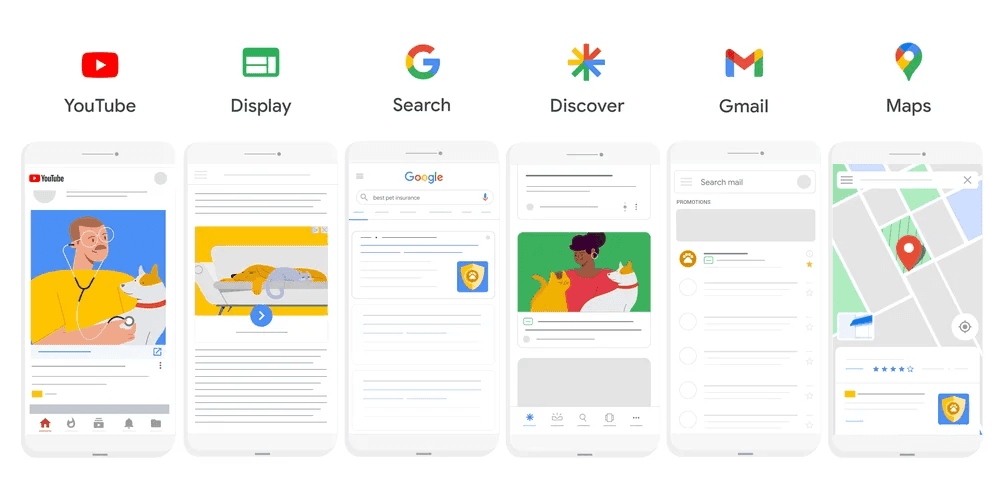
Google Ads, formerly known as Google AdWords is an online advertising service that allows businesses to buy pay-per-click advertising across paid search, display, video and mobile app install campaigns.
For people outside of ad tech, Google Ads is different from their demand-side platform: Google Display and Video 360. Google Ads is their proprietary ad-buying platform for text-based searches, graphic displays, YouTube videos, and in-app mobile displays.
Use case
- Discover insights or produce reports on the aggregated campaign performance at an object level.
- Ingest campaign data to feed into machine learning models.
So what?
As an organization, advertising data is normally contained within the wall gardens of the advertising platform. The ability to overlay the data onto customer data even at an aggregate level may uncover new insights or refine targeting.
Avoid If
- The goal is to report, attribute metrics or create audiences at the Profile-level. The data made available from the Google API does not contain any identifiers.
Best Practices
- Research whether the data available from this connector fits the use case.
- Work with the advertising/marketing teams that manage the budgets and ads to structure the campaigns so that they can be reconciled consistently to the customer data.
Via Google Cloud Platform
In order to ingest data from these platforms, we can make use of the Google Cloud Platform connectors.
Google Analytics
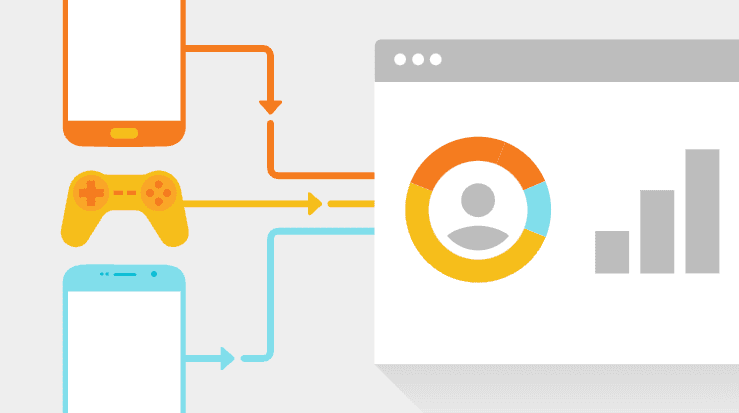
The main purpose of Google Analytics to AEP is its data collection of web and mobile app behavioural data from end users.
Use case
- The organisation is moving to AEP Application Services however, Google Analytics contains historical data that is required for AEP use cases in the short term.
Avoid If
- Real-time segmentation or trigger use cases are required at launch. The most common method to ingest Google Analytics data is using the Big Query connector. This is appropriate for historical data as a batch connector however, it will not meet the requirements for edge or streaming use cases.
Best Practices
- Pre-filter the data.
- This includes any transformations required at a row or column level.
- The compulsory data field will be a linking Identity Namespace field that exists in other Datasets.
Google Campaign Manager 360
Google Campaign Manager 360 (ex-DFA) is used by advertising operations teams at agencies or in-house teams with big advertising budgets. It is a standalone ad server and measurement tool for ad trafficking, reporting, and verification.
Use case
- As an advertising analyst, I want to derive insights from the campaign/ad performance of off-site ads with my first-party customer data.
Avoid If
- The parties are not aware that the availability and quality of the data are dependent on having a matching user identifier in the Google logs.
- There isn't Google ad tech and Big Query expertise/data export expertise in the team.
- There is insufficient advertising spend to make the optimizations worth the effort.
Best Practices
- Conduct cost-benefit forecast based on fees to export Google data and resourcing required.
- Pre-filter the data.
Google Ad Manager
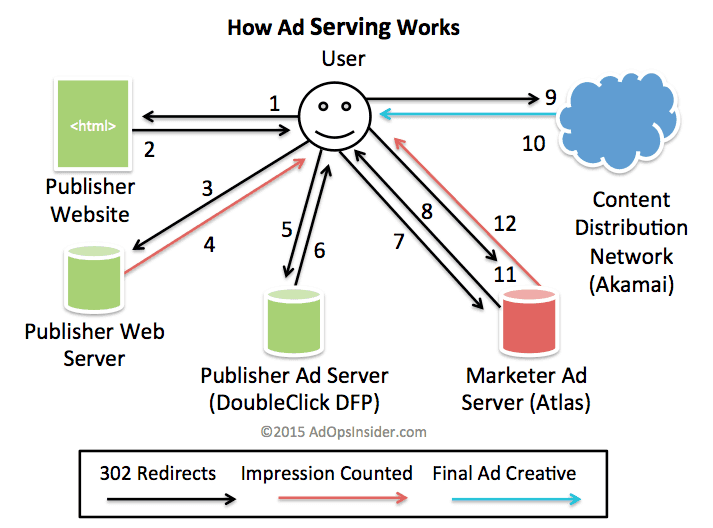
Google Ad Manager (ex-DFP) is used by the publisher side to monetise their digital properties.
Use case
- As an analyst, I want to optimise or produce insights on the campaign/ad performance from the on-site or off-site ads.
Avoid If
- The parties are not aware that the availability and quality of the data are dependent on having a matching user identifier in the Google logs.
- There isn't Google ad tech and Big Query expertise in the team.
Conclusion
In summary, the use cases to bring in Google data will vary based on the time horizon and architecture. Here is a thought process when ingesting a new Data Source to AEP:
- Review the current state — the ERD or other data modelling documentation.
- Assess if the new Data Source has the correct linkages for the use cases.
- Review out-of-the-box Source Connectors. Otherwise, review Cloud Storage or HTTP Streaming connectors.
- Perform data ingestion steps in a non-prod sandbox.
- Re-create the above in the prod sandbox after validation.
